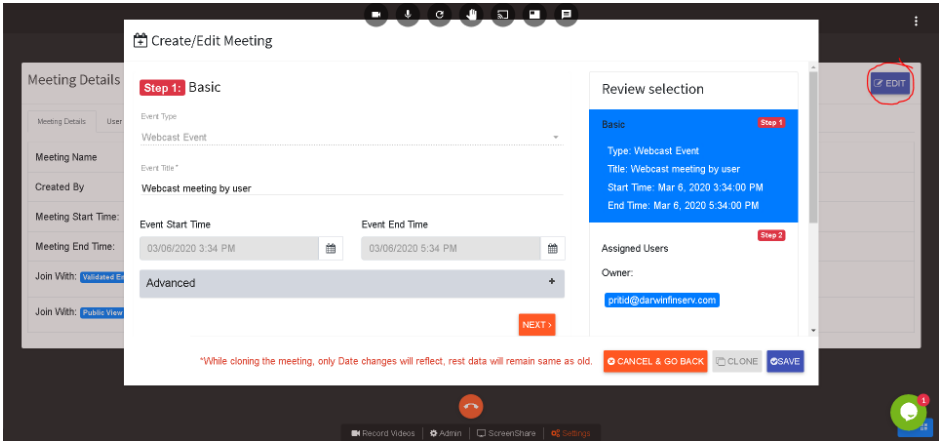
Cooking Live
Select 'Go Live' option
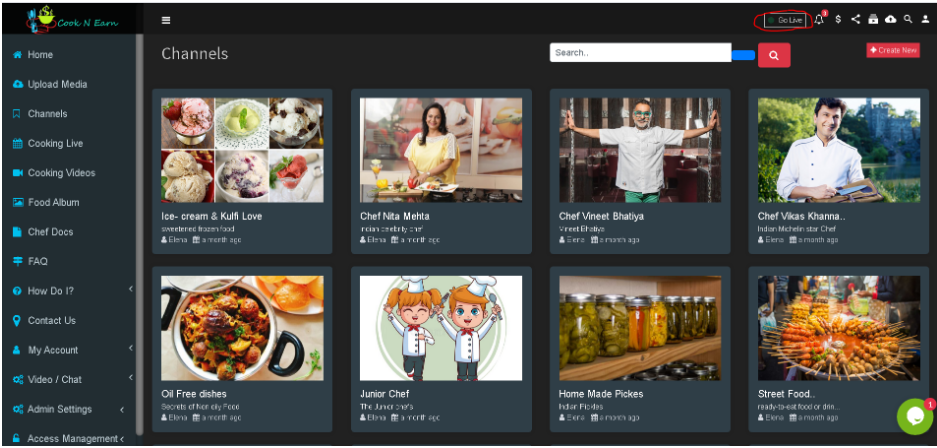
Now click on the record now button
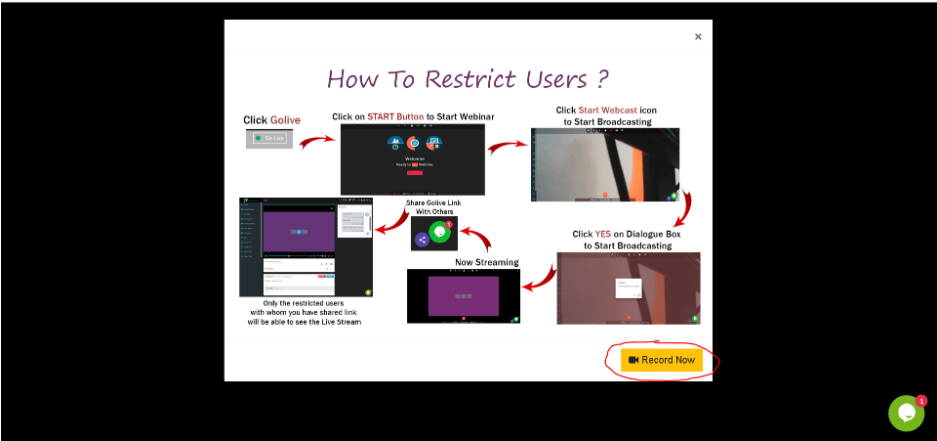
Then click on the start button
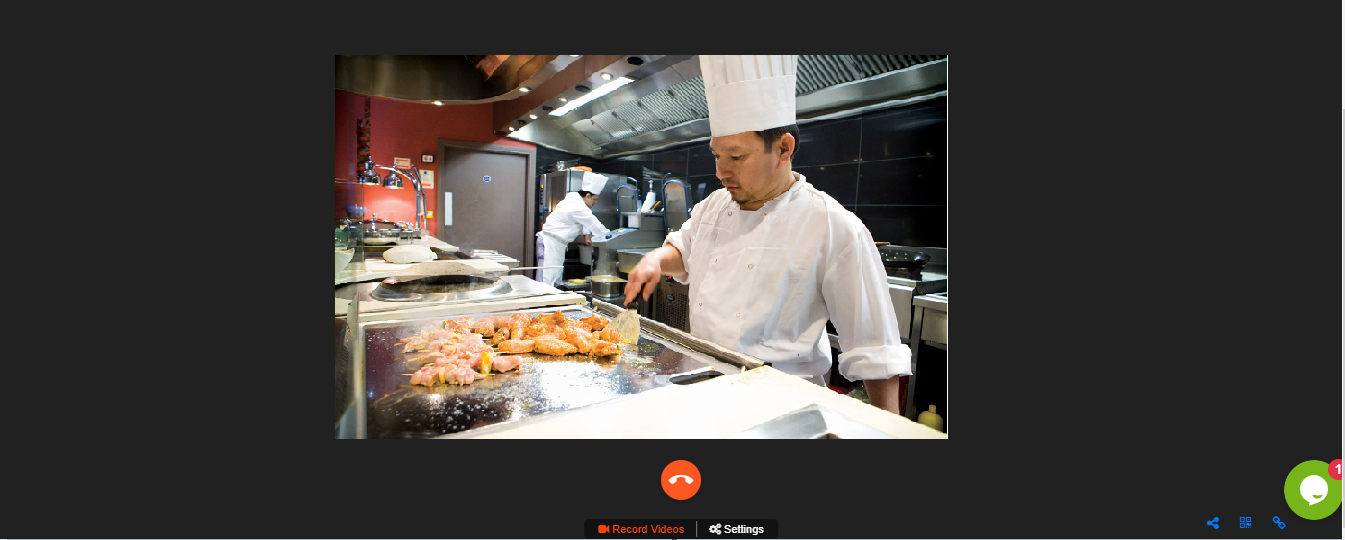
When clicks on Start user is live on webinar
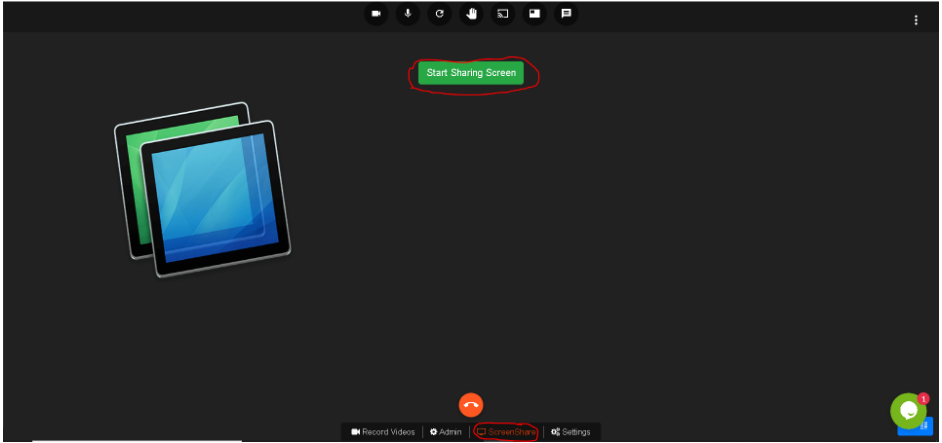
User can also share screen by clicking on screenshare
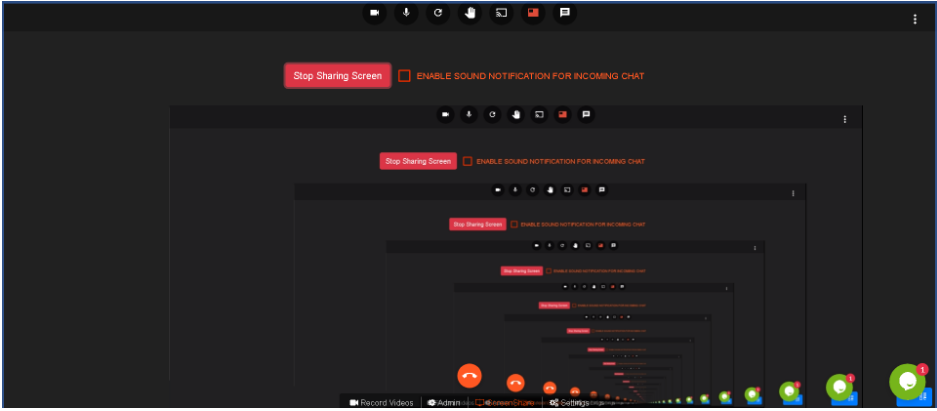
User started sharing the screen
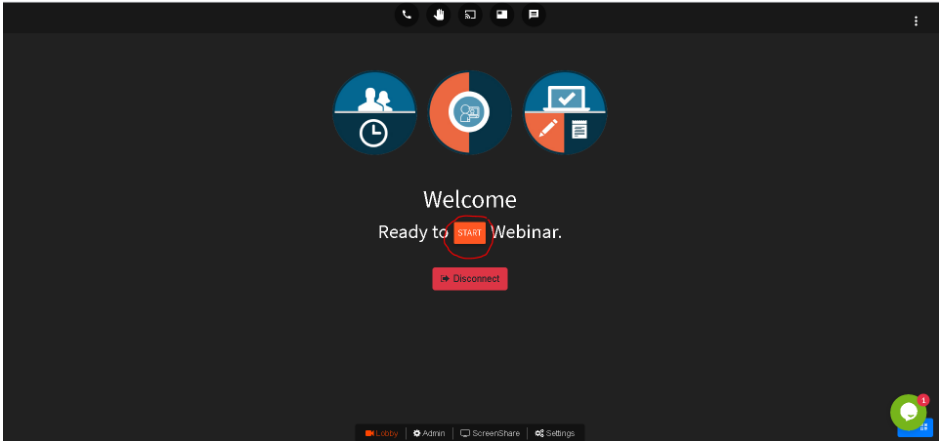
User can also edit Meeting by clicking on settings option below
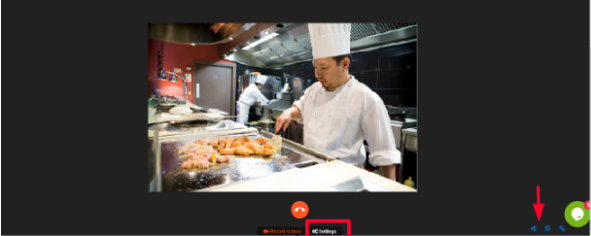
Following screen will appear
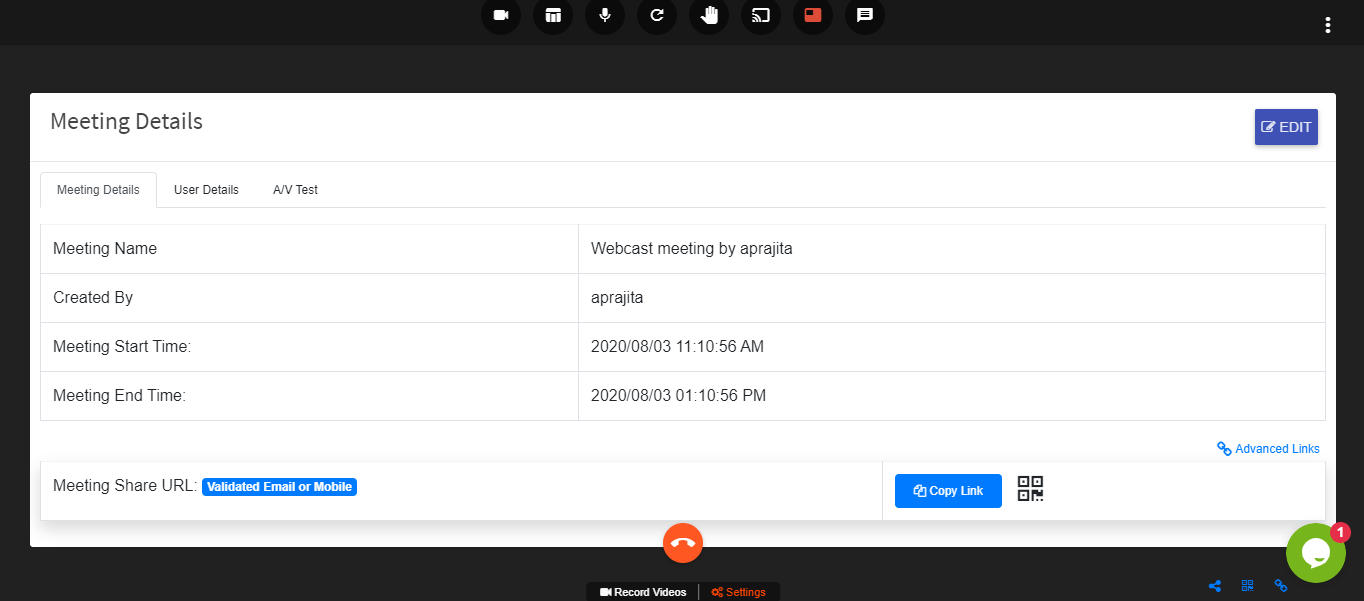
Clicking on the edit option following screen will appear
User can change details and then click on next