Contacts
We can see all contacts present in application on ‘#ALL’ tab
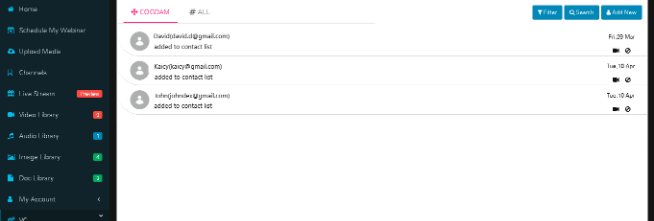
we can added contacts from ‘#ALL’ tab in ‘CNE’ tab by click on ‘Add to contact’ icon
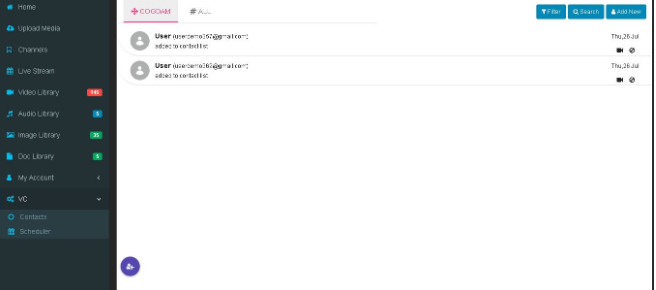
Click on ‘Filter’ button to filter users by Contacts,
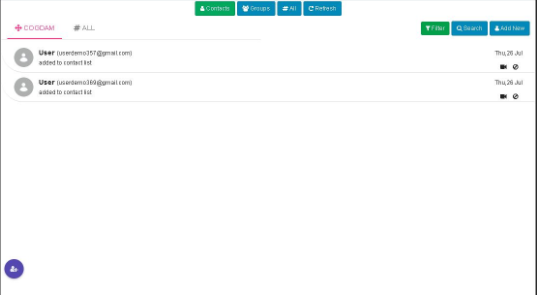
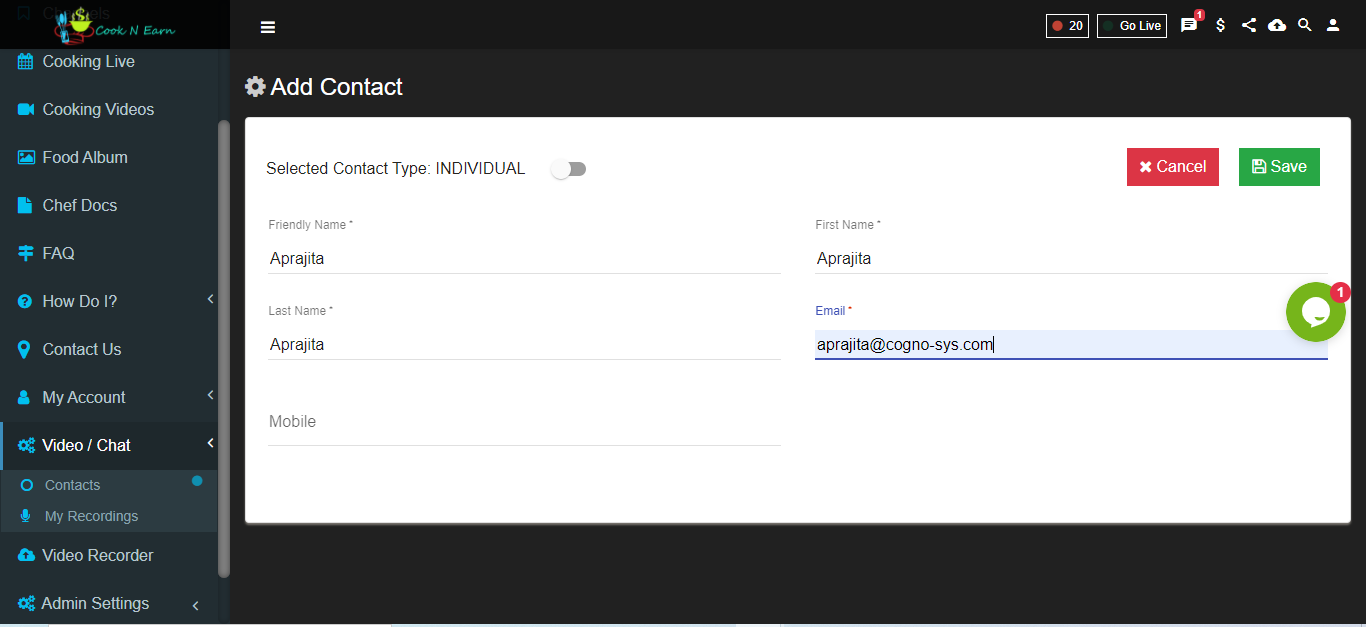
Add Contacts
With selected contact we can do one-to-one chat
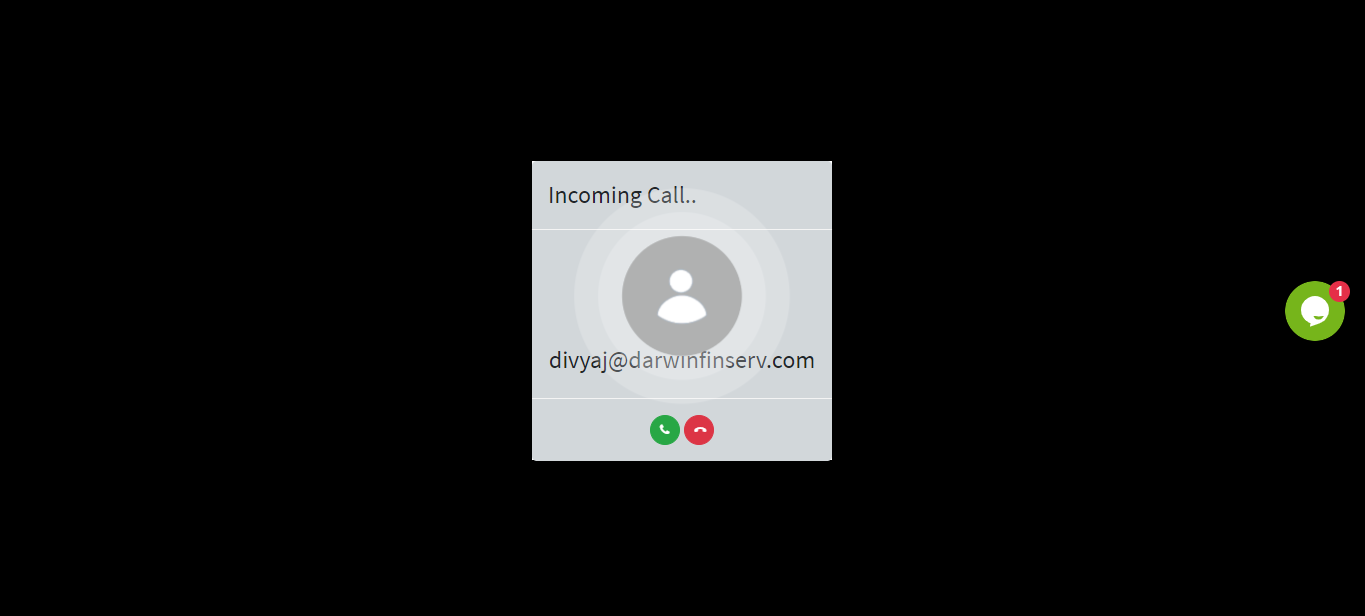
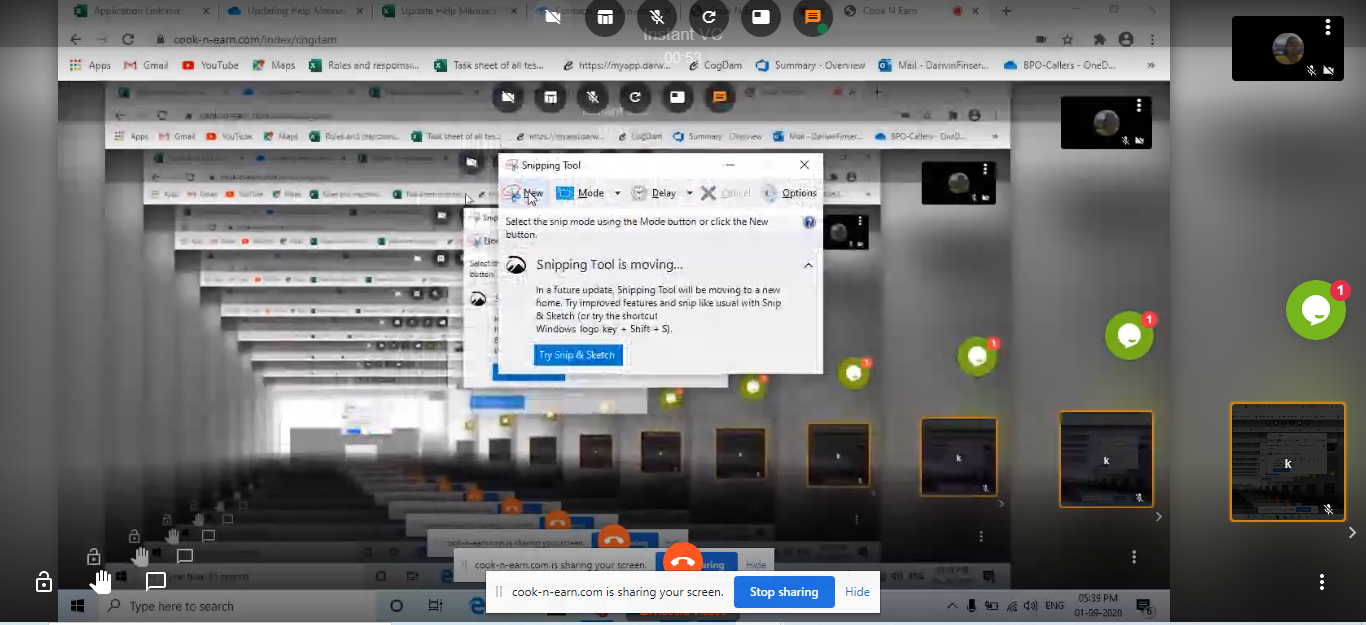
We can do one-to-one call with selected contact. We can share our screen by clicking on ‘ScreenShare’ option .