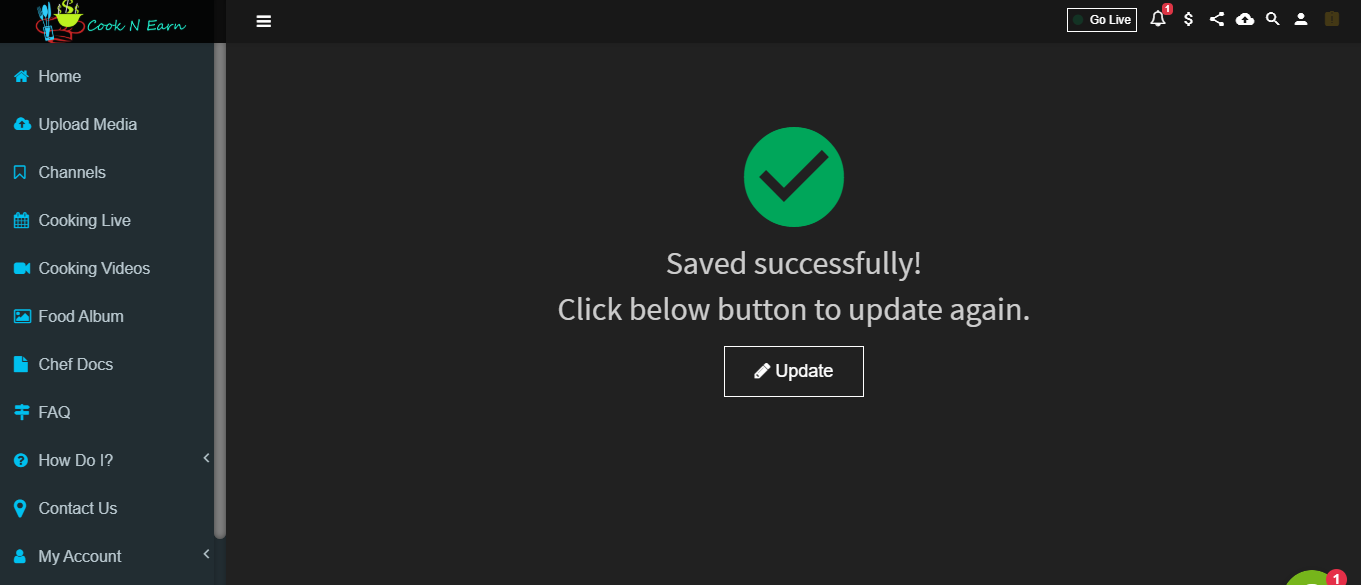
Upload Media
description: User can upload media by using given steps
Upload Media
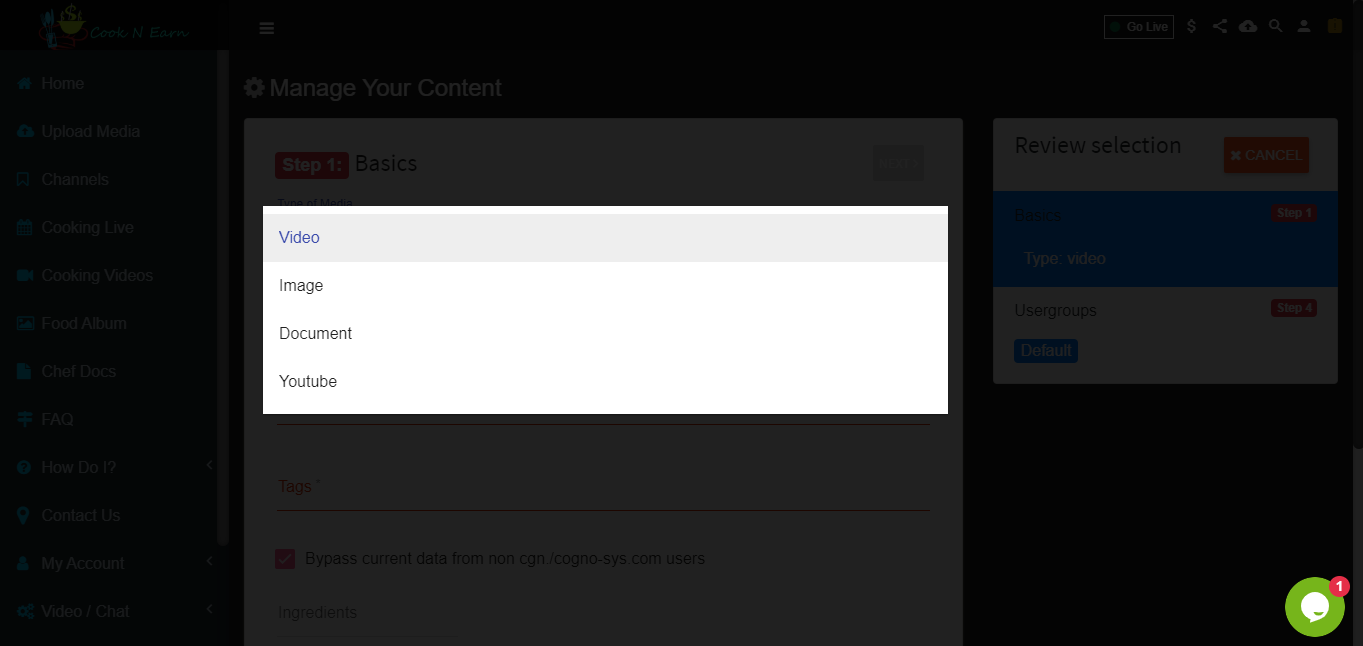
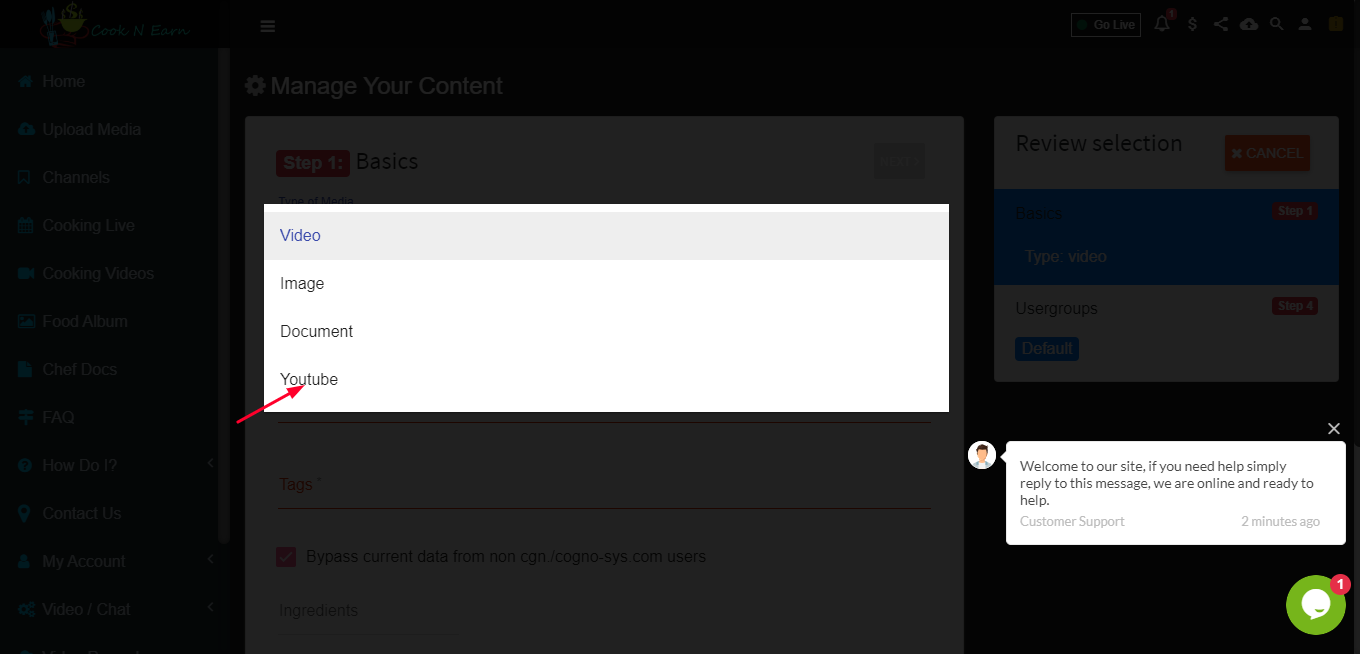
Select Type of Media as Video , Image , Audio and Document
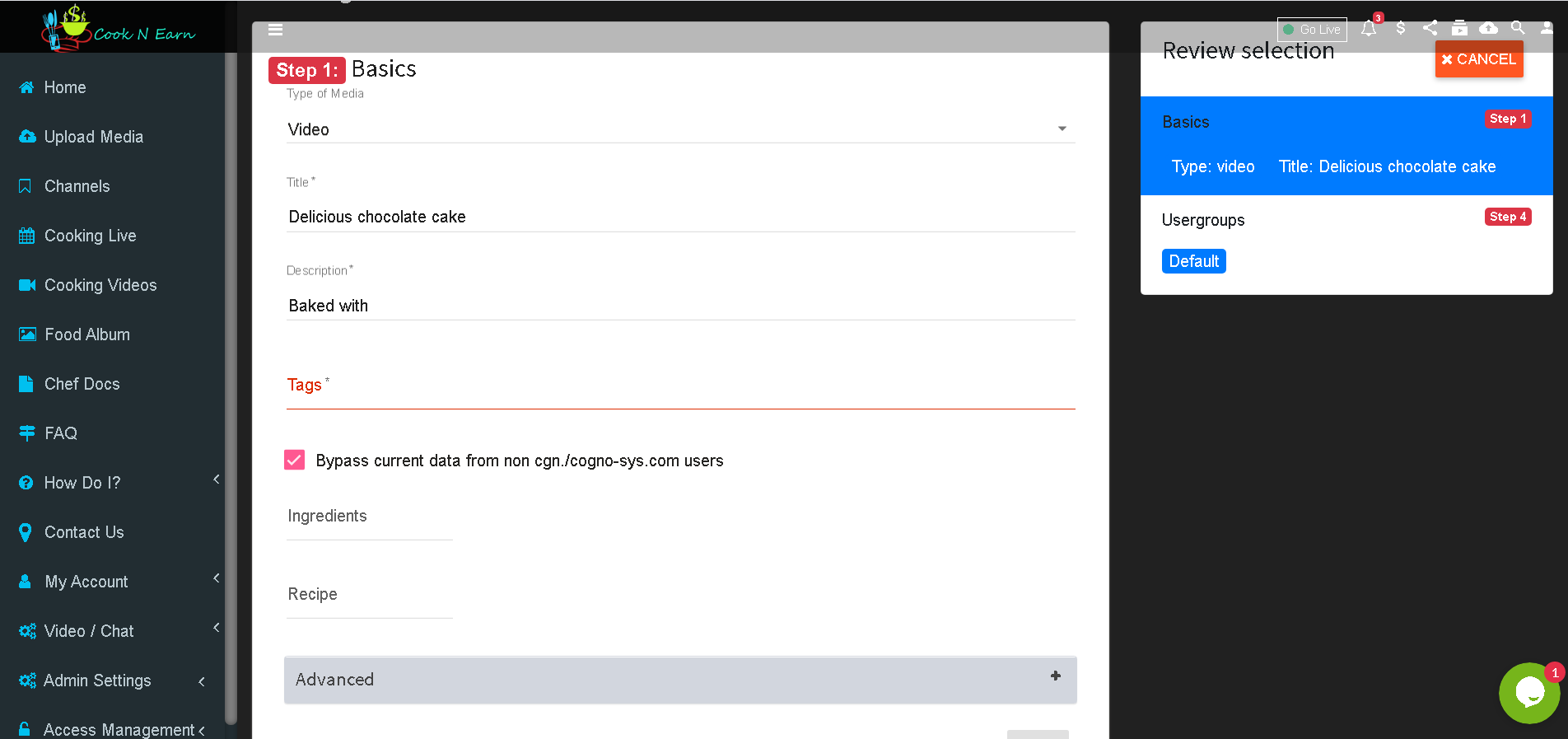
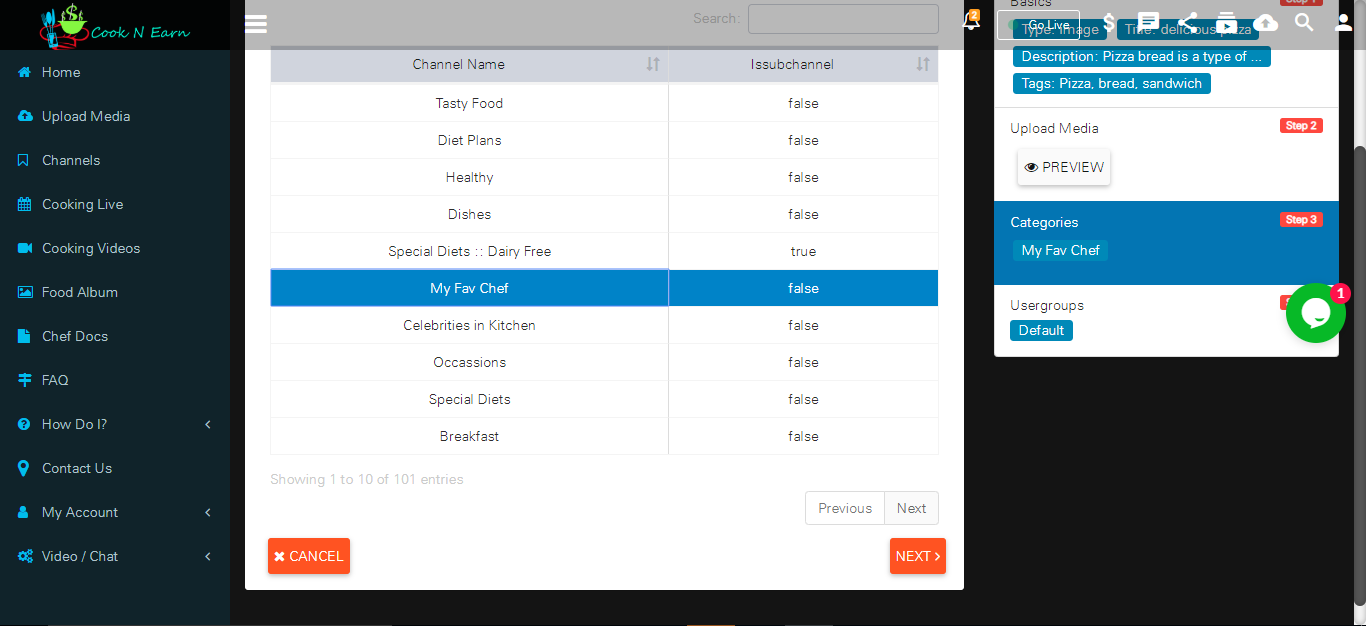
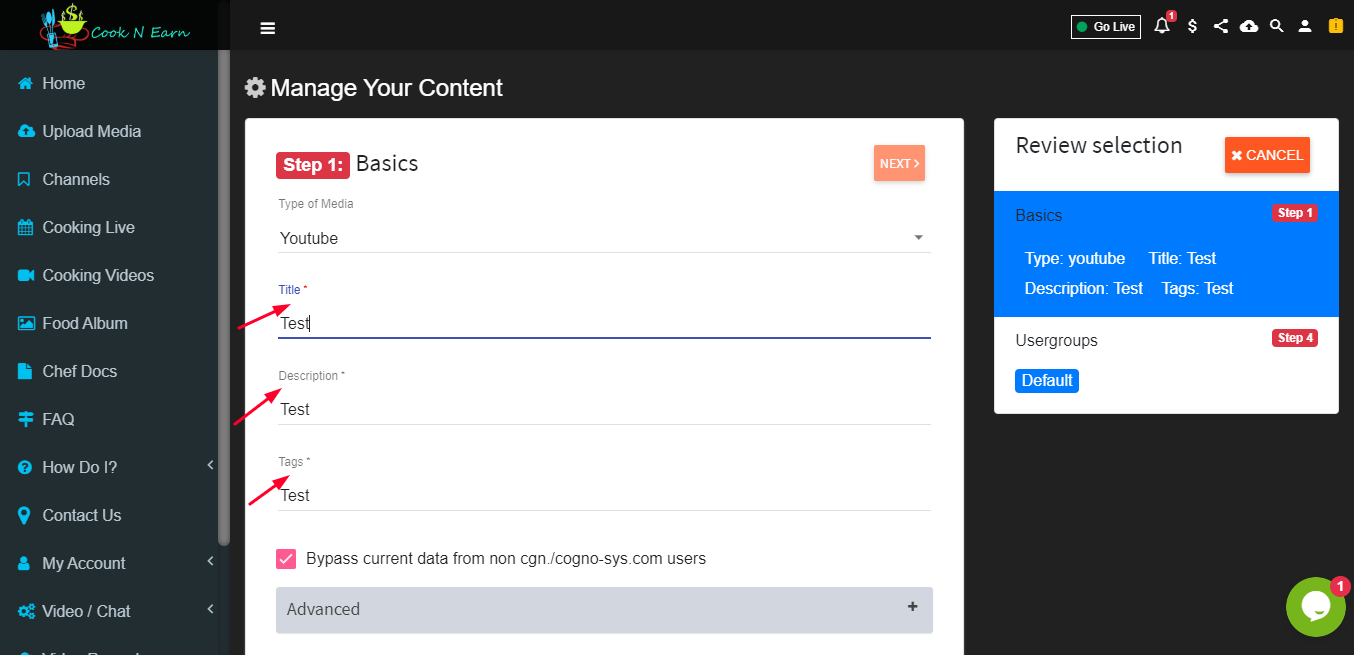
Fill in all fields with relevant information and select Channel in which the media is to be uploaded. Also, select the usergroups to set visibility for the media
Select file type of the media
Fill all the relevant information's and click on next
Choose the desired option and click on next
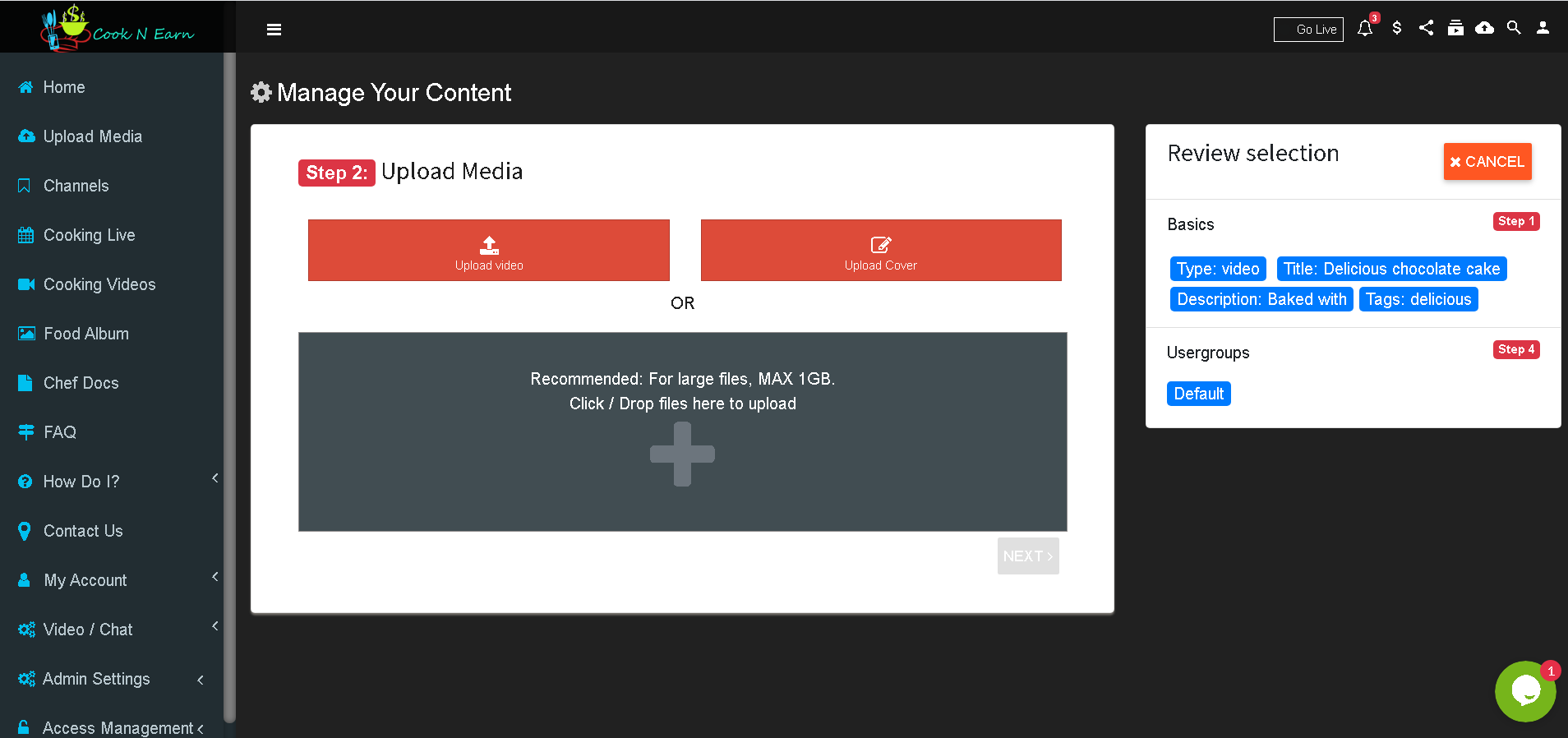
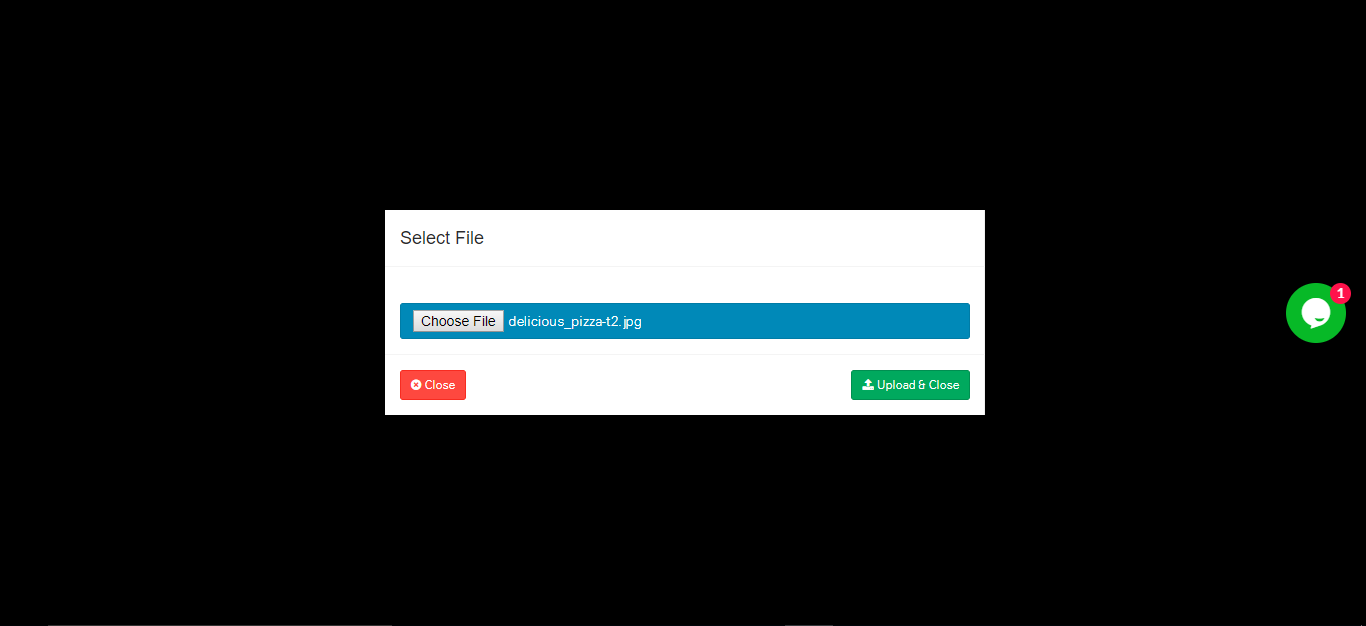
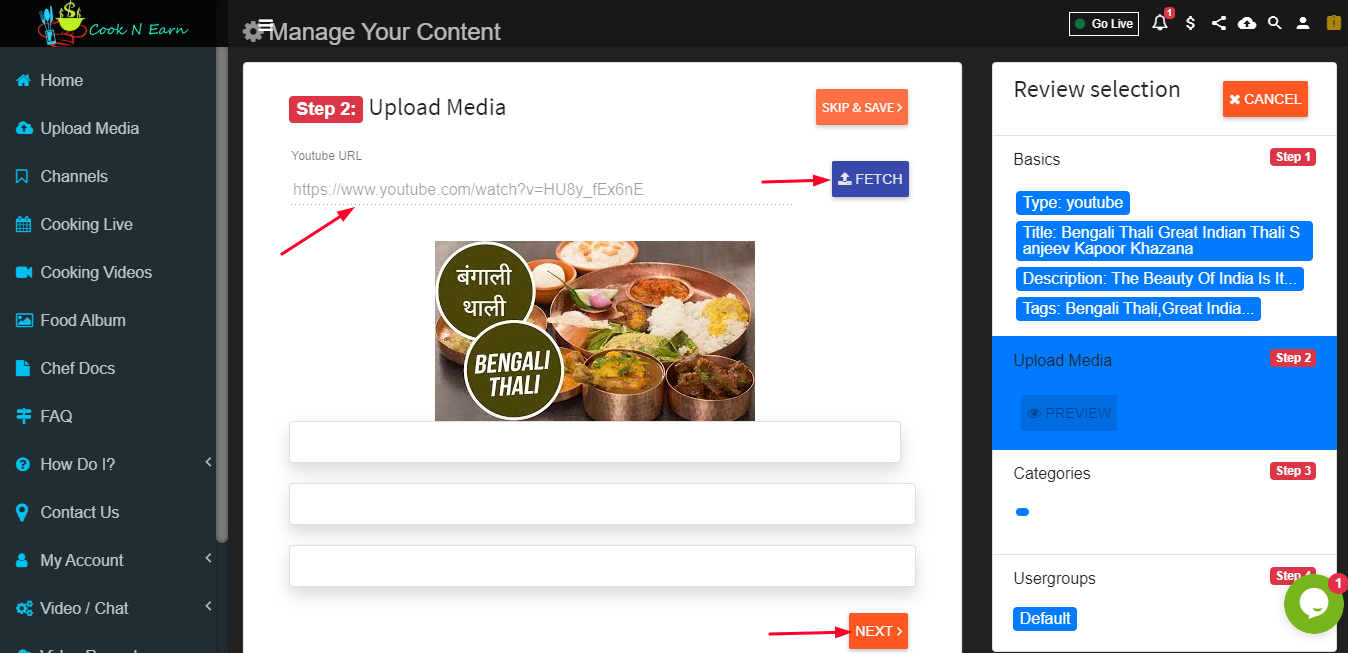
Choose file and upload
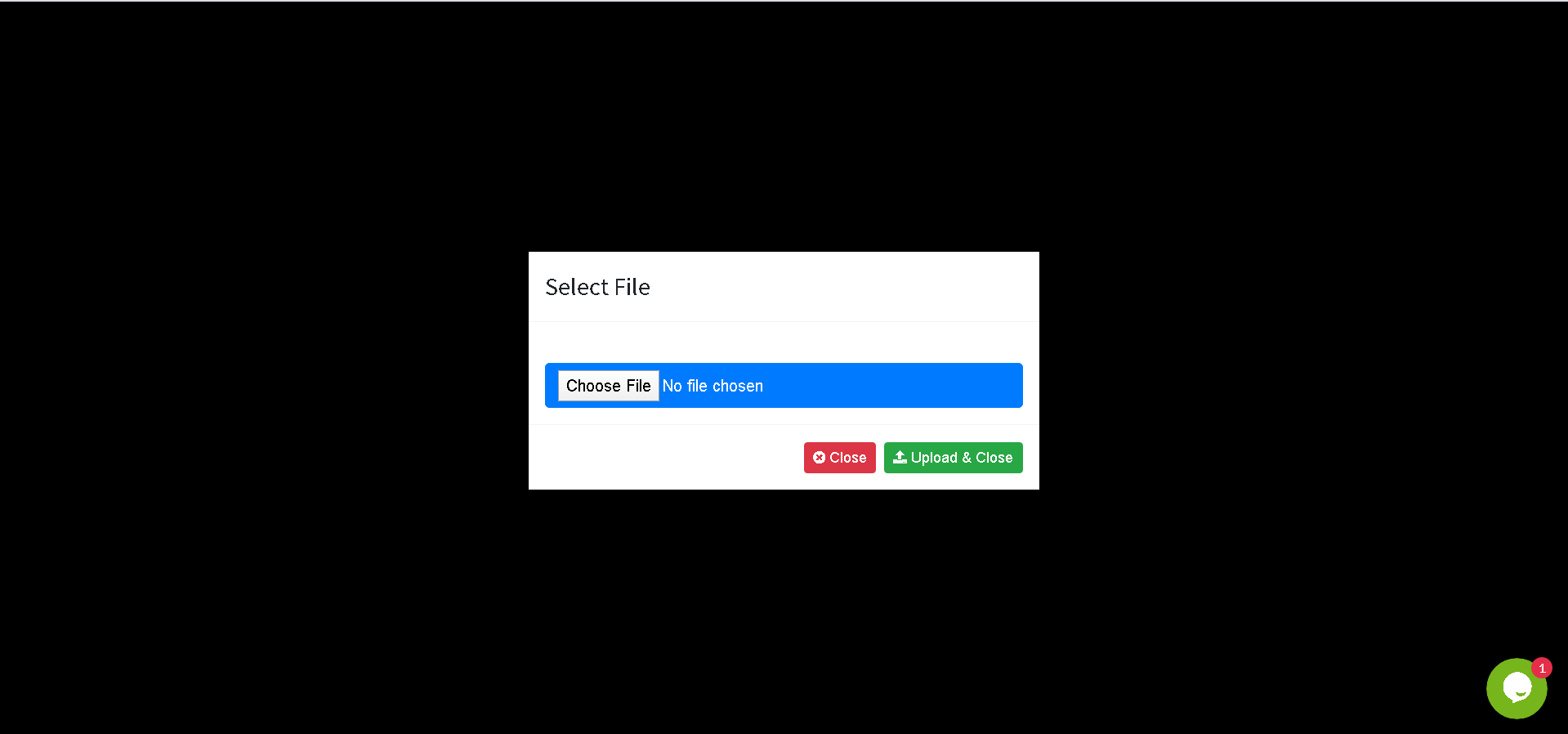
Select media file to upload
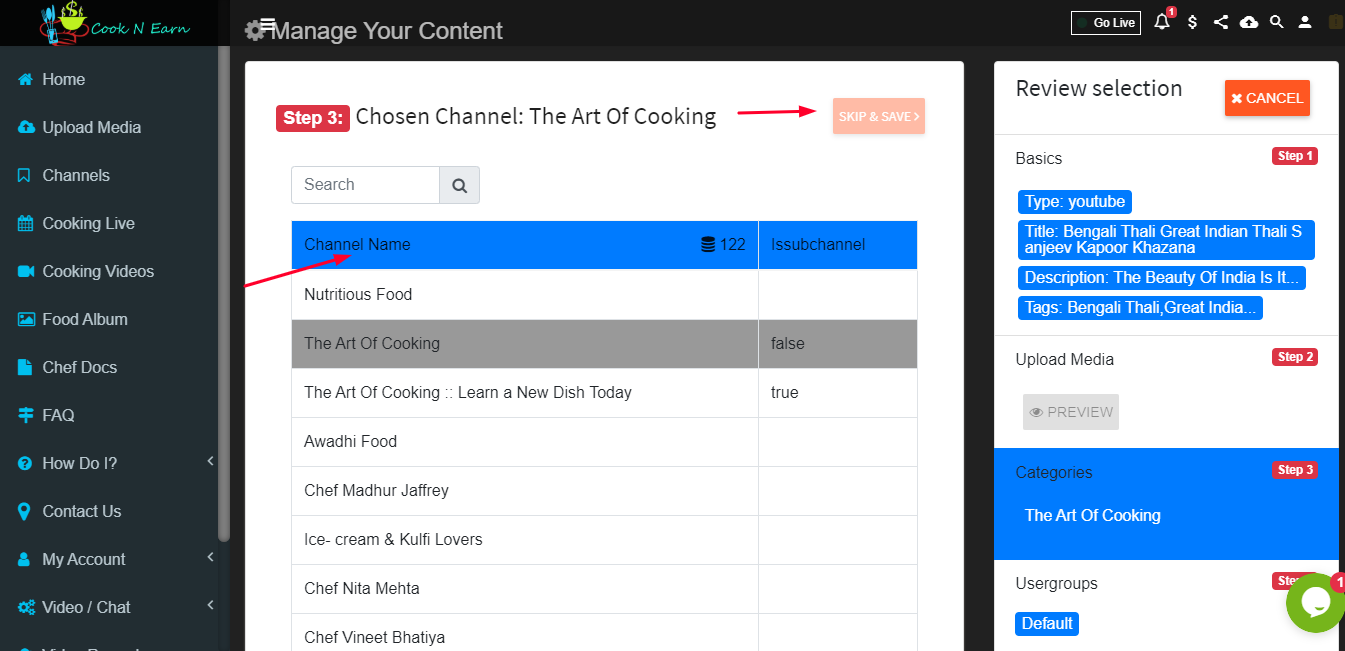
Select channel to upload media
Select visibility group.
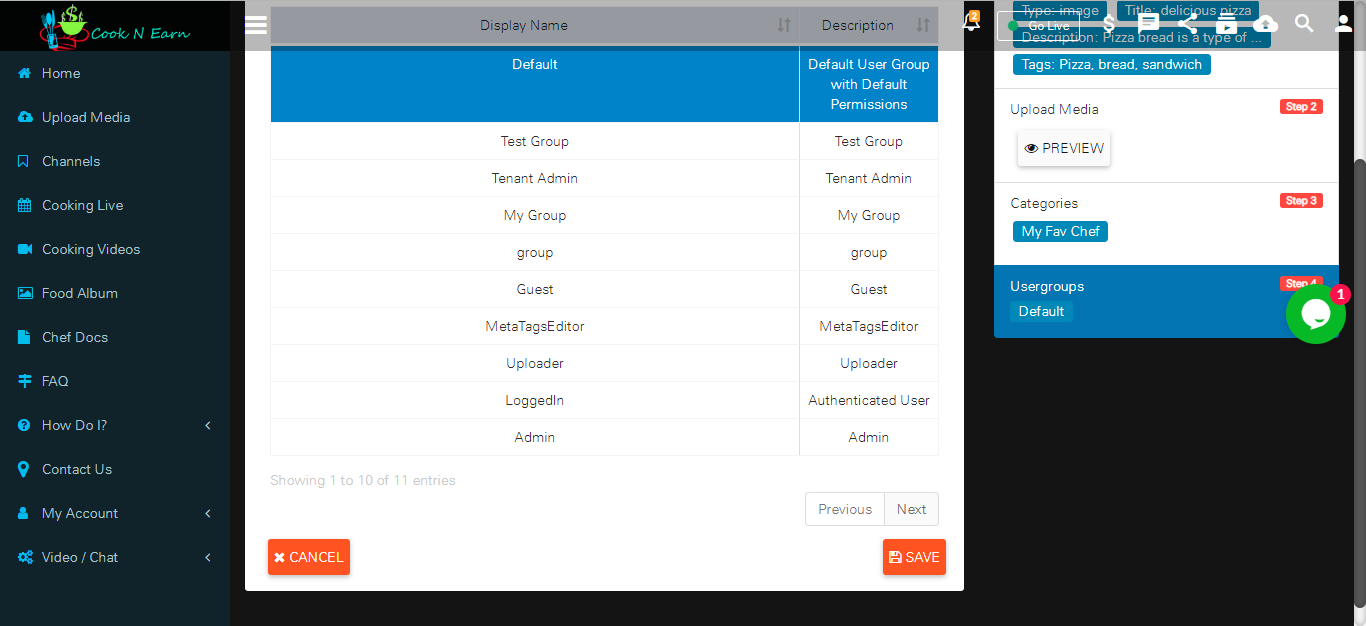
Click on ‘Save’ icon.
Pending to Approve :
After the video is uploaded it appears in My Media section in ‘Pending’ State.Admin can Approve the video ,after Admin Approve video it display in Video Library.
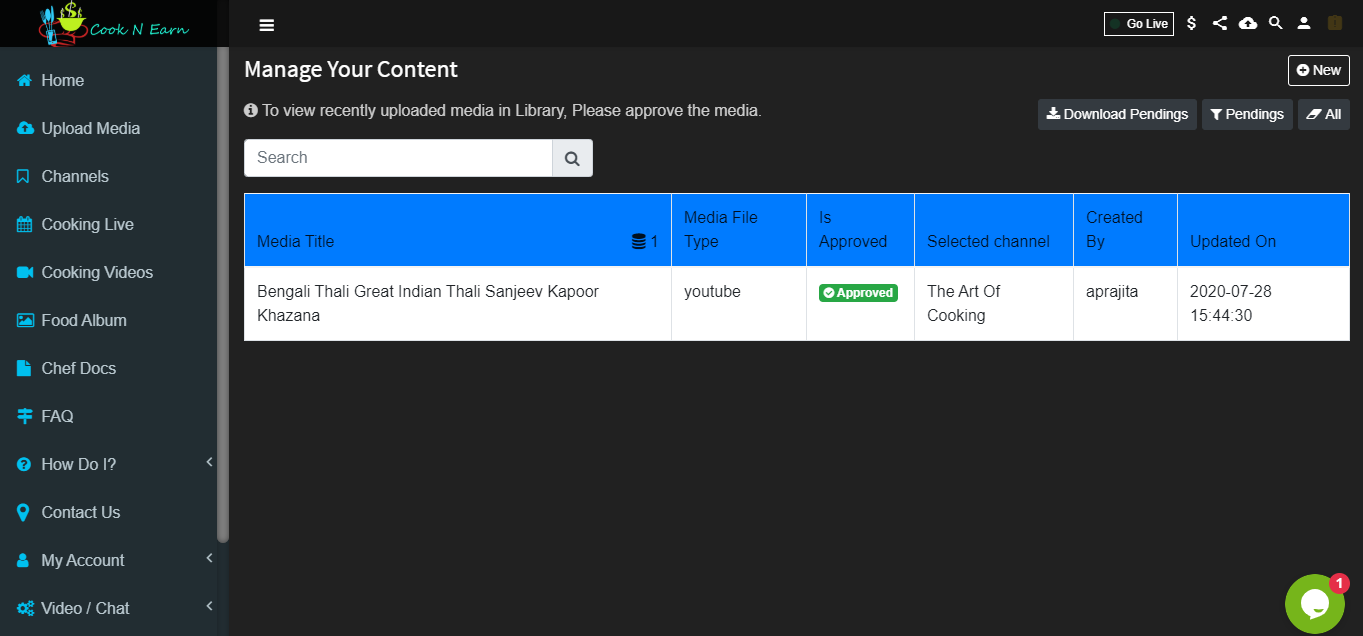
Use Can Also Directly Save Their Video By Skip And Save
Select Video Type
Put Relevant Informations and Click Next
Put Video URL,Fetch And Click Next
Select Channel And Skip And Save
Video Saved